

Actions in PS Maker
The Actions Editor is where you turn ideas into gameplay. You add actions, set their options, and the game plays them in order. Use it to create dialogue, choices, map changes, puzzles, and more.
What Is an Action
Section titled “What Is an Action”An action is a single thing the game can perform. Examples include showing dialogue, presenting choices, moving the player, spawning an NPC, or switching maps. You combine actions to build complete game mechanics in your story.
What’s Possible
Section titled “What’s Possible”There are many ways to use actions in your story. Below are some examples:
- dialogue and choices for story scenes
- Doors or portals that transfer the player to other maps
- NPC movement, patrols, and chase sequences
- Puzzles or quest mechanics using inventory items
Where Actions Run
Section titled “Where Actions Run”There are two places where actions run:
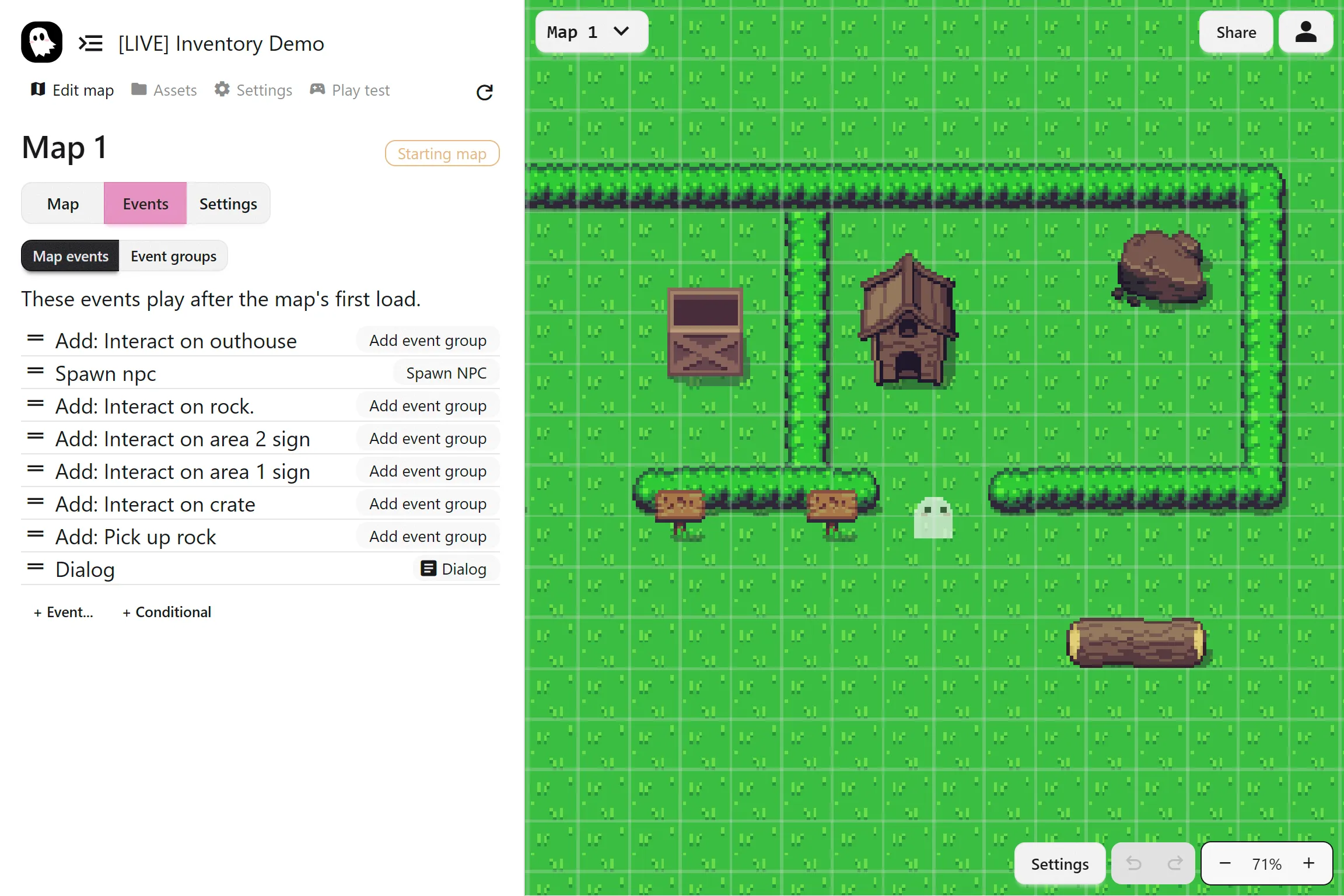
- Map Actions: Actions that run when a map first loads
- Events: Reusable collections of actions that run when triggered in the map
Map Actions are great for setup, intros, or cutscenes. Events handle interactions that the player can activate during gameplay.
Adding Actions
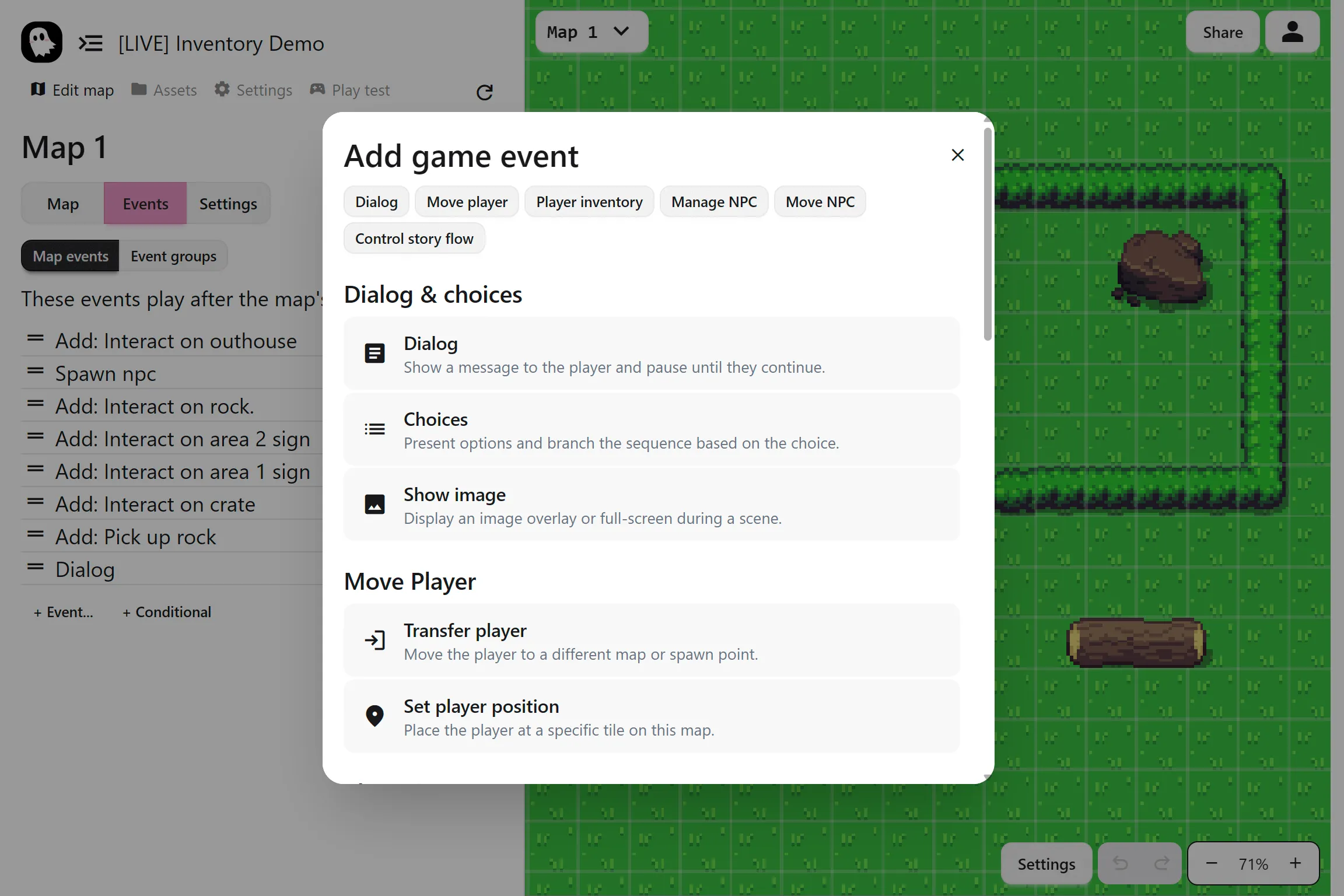
Section titled “Adding Actions”Click + Actions… to open the action menu, then choose your action. After adding an action, configure its settings in the panel on the right. Actions play from top to bottom unless a branch changes the flow.
Next Steps
Section titled “Next Steps”Actions are the foundation, but by themselves they only create linear sequences. To make your game dynamic and engaging, combine them with events for interactivity and conditional branches for choices and branching stories.