

Events
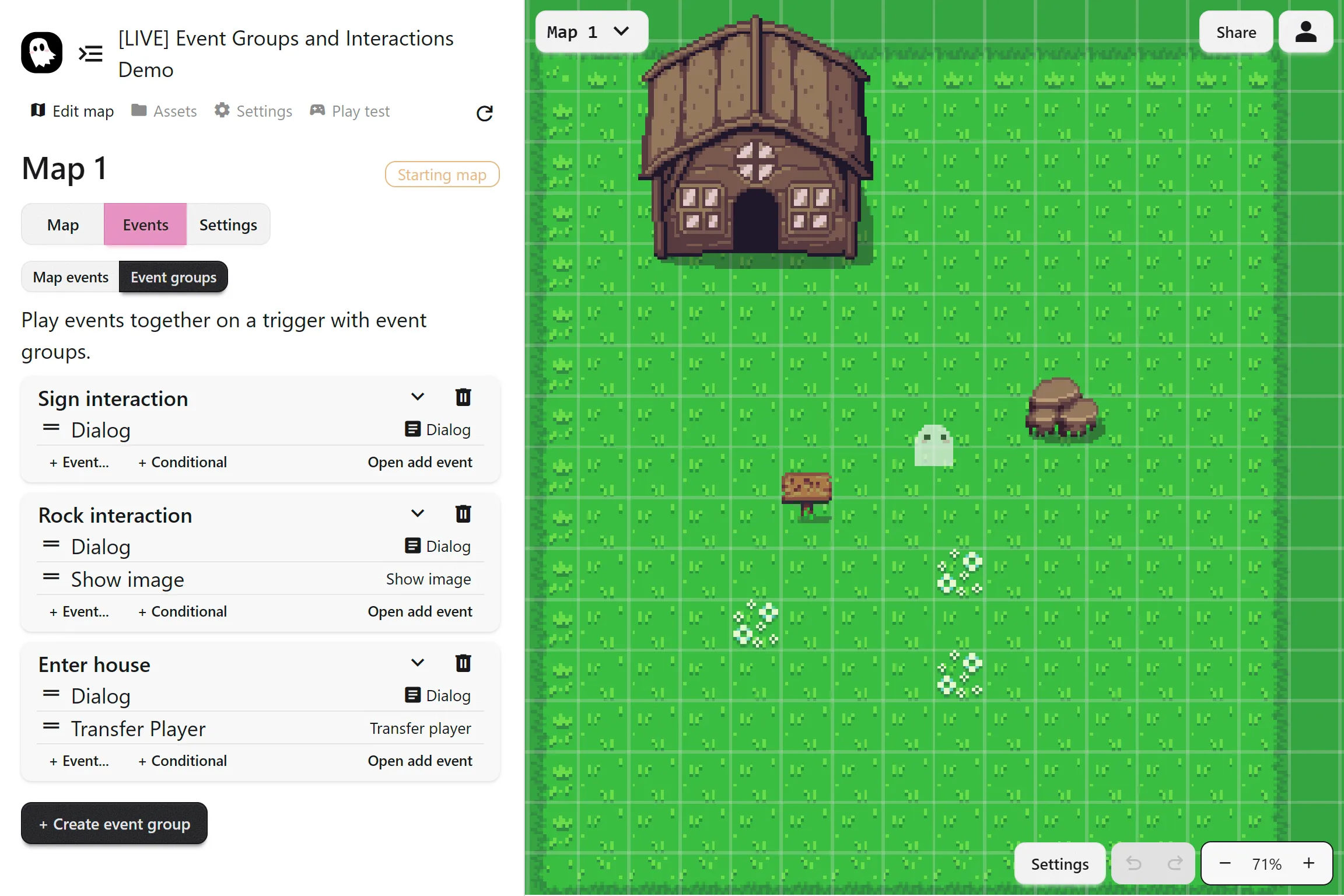
An event is a collection of actions that run one after another. You place events into the map and trigger them through interaction, touch, or automatic behavior. They create interactive moments such as opening a door, talking to an NPC, picking up an item, or starting an NPC chase.
Common Uses
Section titled “Common Uses”- A note on a table the player can read many times
- An item that disappears after being picked up
- NPC interactions that trigger dialogue
- Puzzle mechanics with inventory items
Creating an Event
Section titled “Creating an Event”To create an event, go to Actions > Events and make a new event. Add the actions you want inside it, then place the event into your map so it can run during gameplay.
Adding Events to the Map
Section titled “Adding Events to the Map”You can add an event to the map by clicking Add to Map on the event card. This creates the Add Event action automatically. You can also do it manually by adding an Add Event action and selecting the event yourself.
Trigger Types
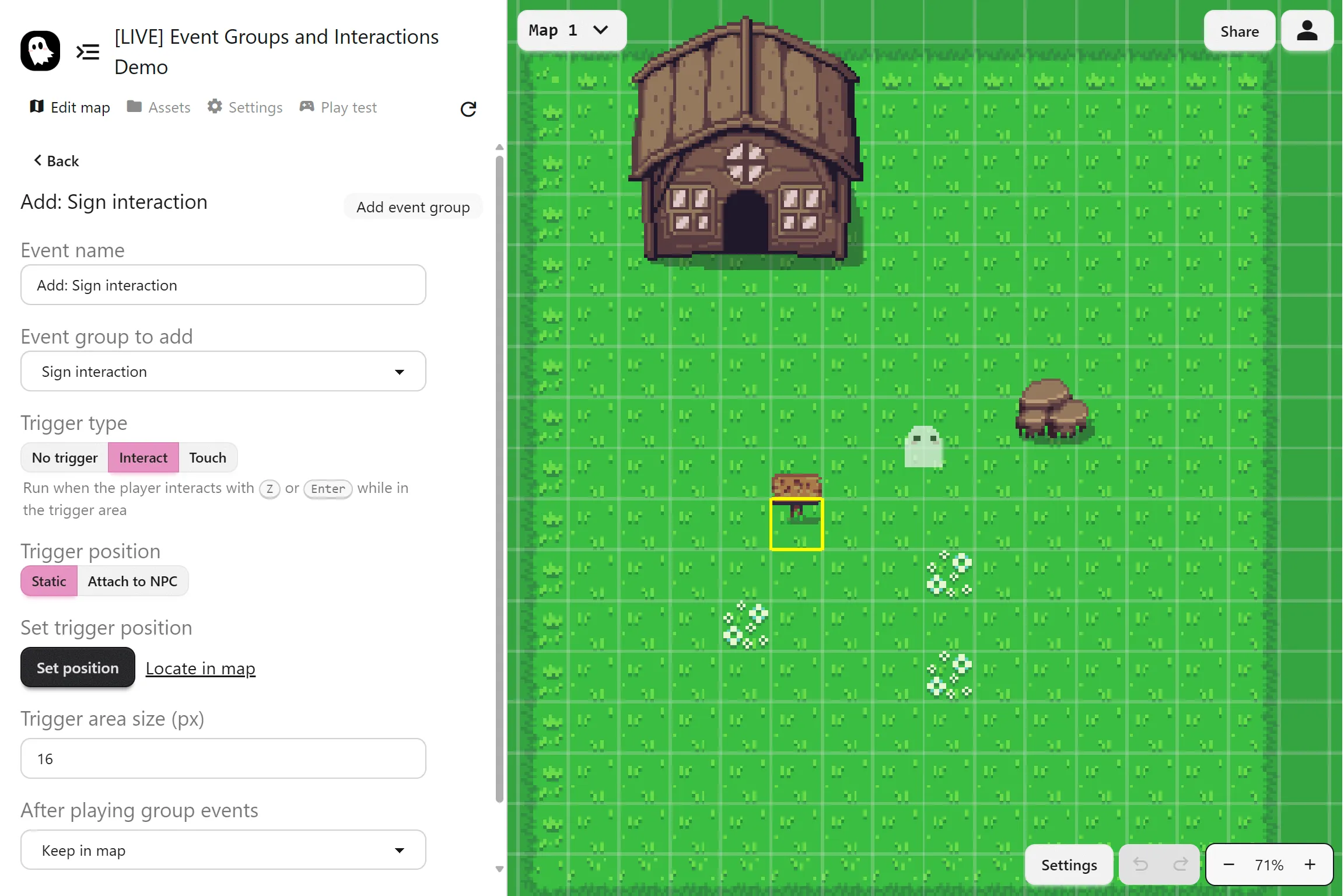
Section titled “Trigger Types”Each event can be set to trigger in different ways:
- No trigger: Runs automatically as soon as the event is added
- On interact: Runs when the player presses the interact key inside the trigger area
- On touch: Runs when the player collides with the trigger area
Trigger Settings
Section titled “Trigger Settings”You can customize how the trigger works:
- Trigger size: Adjust the area in pixels
- Position: Place it at a static point on the map or attach it to an NPC
- Repeat or disappear: Choose whether the event can be triggered multiple times or only once